
⚡
Always accessible
Place your tour in a location where staff, guests, visitors, or customers can start exploring instantly without downloading anything or using their own device.
360air.space combines immersive 360° virtual tours with premium interactive display kiosks so your spaces can be explored in briefing rooms, hotel lobbies, showrooms, airports, museums, exhibitions, and public environments. The result is a modern on-site experience that makes digital spaces easy to access, explain, and remember.
Instead of relying on VR headsets or personal devices, visitors, crews, guests, and customers can interact directly with a large touch-enabled screen designed for clear navigation, strong visual impact, and flexible branding.
An aircraft virtual tour display can bring interactive aircraft virtual tours into airline lounges, briefing rooms, exhibitions and customer presentation areas, allowing passengers, crews and stakeholders to explore cabin interiors, seat products and onboard services on a large touchscreen.
A virtual tour kiosk adds a physical presence to your digital content. That means more visibility, stronger engagement, easier explanation, and a better customer or employee experience wherever people need quick access to immersive information.
Place your tour in a location where staff, guests, visitors, or customers can start exploring instantly without downloading anything or using their own device.
Large touchscreens make navigation intuitive, professional, and engaging with gestures such as swipe, zoom, rotate, and multi-touch exploration.
Turn spaces, products, facilities, and aircraft layouts into a more convincing presentation tool for sales, onboarding, and customer-facing storytelling.
From aviation and hotels to retail, museums, public services, and real estate, the format adapts easily to many environments and audiences.
A digital information kiosk is a touch-enabled interactive display that lets people explore virtual tours and digital content without special hardware. At 360air.space, we integrate immersive 360° virtual tours into these kiosks to create a premium on-site experience for training, presentations, sales support, and customer engagement.
Present virtual tours, videos, images, and interactive information in one elegant touch display. This makes complex spaces easier to understand and easier to access in physical environments where attention, clarity, and self-guided use matter.
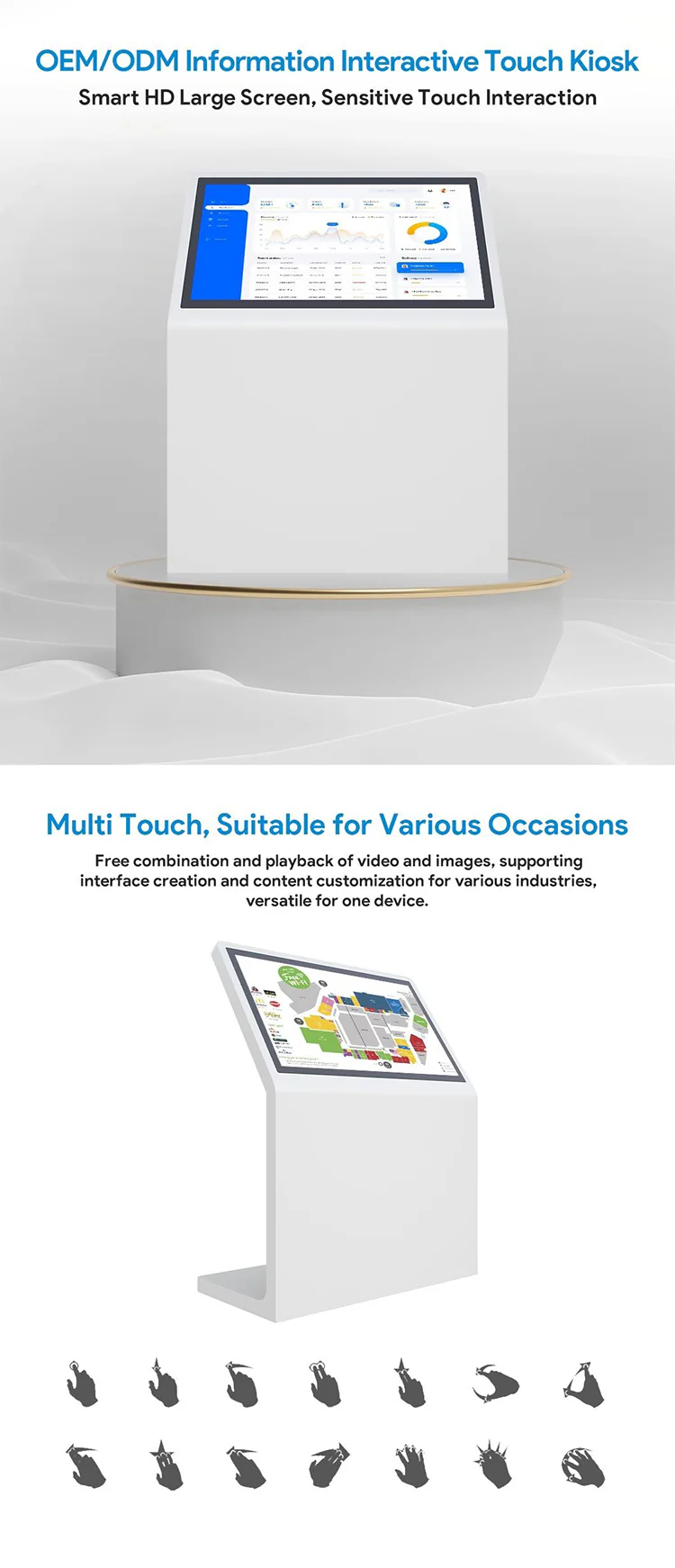
The combination brings together the depth of an immersive virtual tour and the visibility of a physical display. It helps crews, clients, guests, and visitors interact with digital content on demand while reinforcing your brand in a polished, high-value format.
Interactive displays turn an aircraft virtual tour into an inviting hands-on environment that crew members can explore independently. Combined with aircraft cabin training solutions, they can support self-guided familiarisation, instructor-led sessions and repeated access to aircraft-specific information in a visual cabin context.
The discovery-based experience encourages curiosity and repeated use. Crew members can explore the aircraft before duty, return to specific details after training and refresh important locations or handling information whenever needed.
Navigate through cabin zones, seats, galleys, lavatories, doors, exits, monuments and service areas using an intuitive large touchscreen interface.
Review aircraft-specific locations, equipment, cabin features and handling information before reporting for a flight, briefing or operational assignment.
Revisit information after initial or recurrent training to reinforce memory, repeat cabin navigation and recall where equipment and aircraft features are located.
Hotspots can provide seat functions, equipment information, handling guidance, images, videos, documents and airline-approved content at the relevant location. Where broader structured aircraft information is required, the same display can also provide access to an aircraft cabin digital twin or linked technical information.
The same display can support crew familiarisation, instructor-led sessions, briefing rooms, training centres, aircraft sales and leasing presentations, exhibitions and customer demonstrations. Existing aircraft virtual tours can also be adapted for a large touchscreen or kiosk installation.
Our interactive kiosk with a large HD display supports intuitive multi-touch control, including swipe, zoom, rotate, and multi-finger commands. Users can explore content naturally and effortlessly whether the kiosk is used in a shopping mall, museum, company lobby, public facility, airport, hotel, or event environment.
The kiosk combines elegant industrial design with strong customization options so it fits naturally into premium aviation, hospitality, exhibition, retail, and corporate environments.
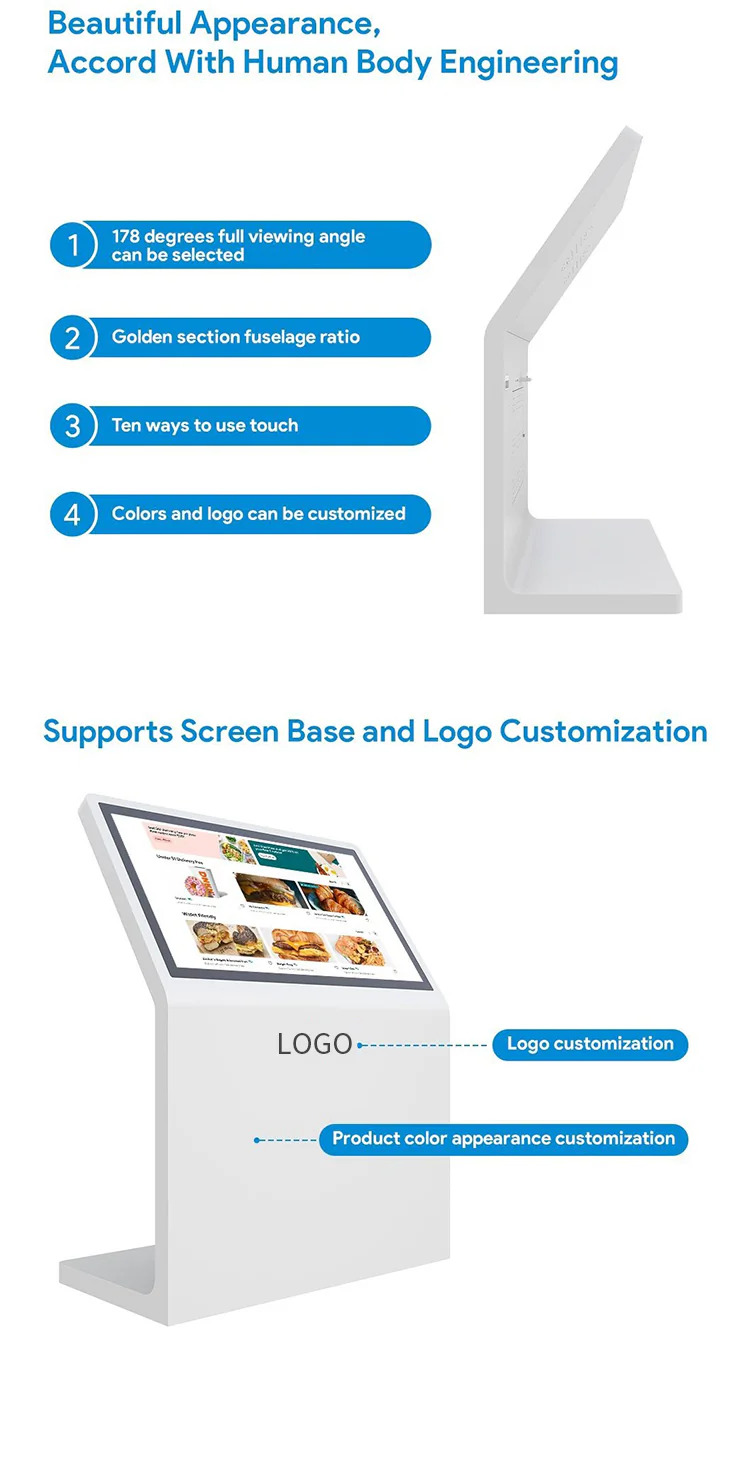
Adapt the kiosk housing to your brand identity with tailored colors, finishes, and visible logo placement. This creates a stronger visual connection between the kiosk, your environment, and the digital content displayed on screen.
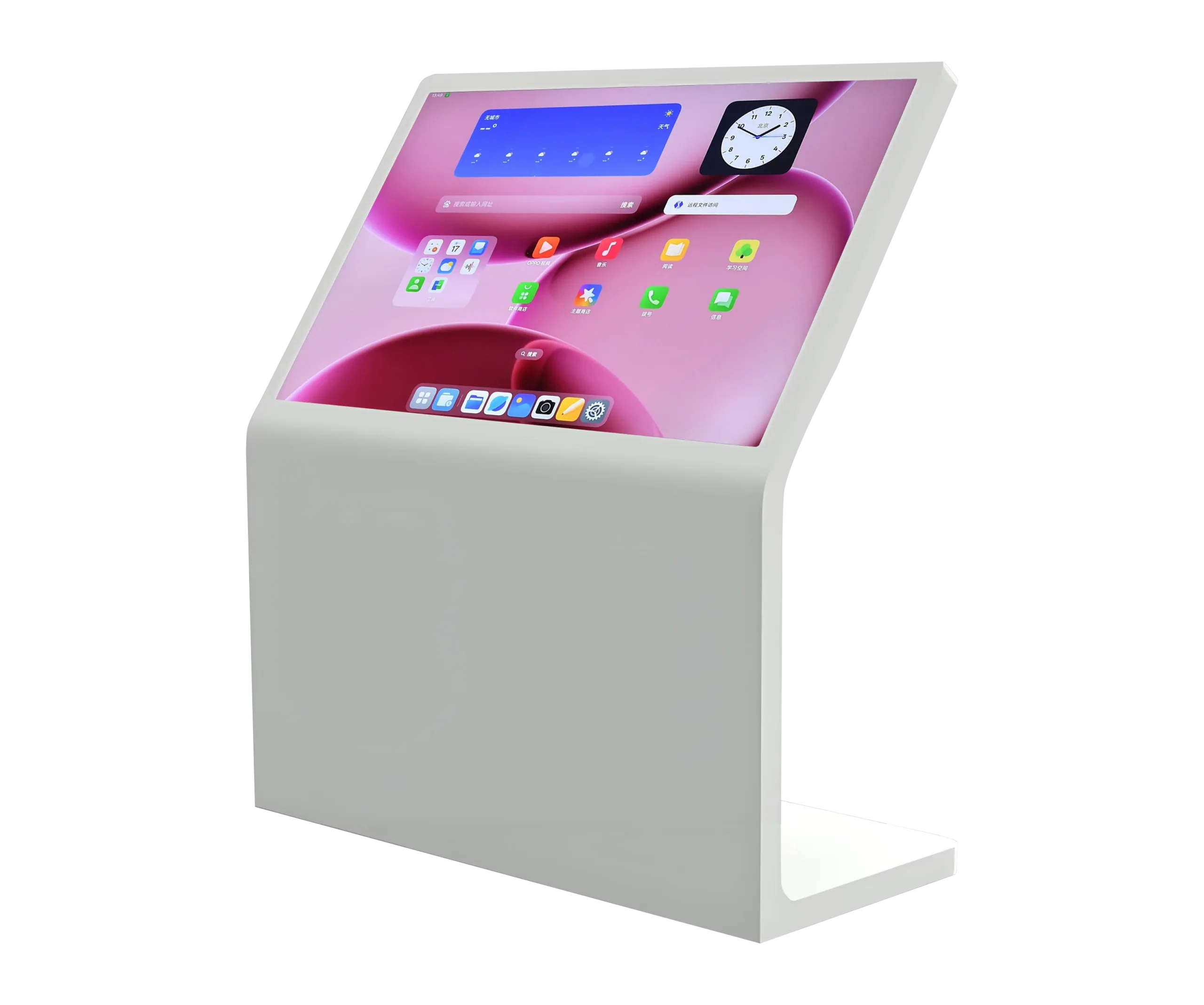
With a wide viewing angle, ergonomic proportions, and flexible screen base design, the kiosk can be adapted for different environments and different kinds of user traffic, from premium briefing rooms to public visitor spaces.
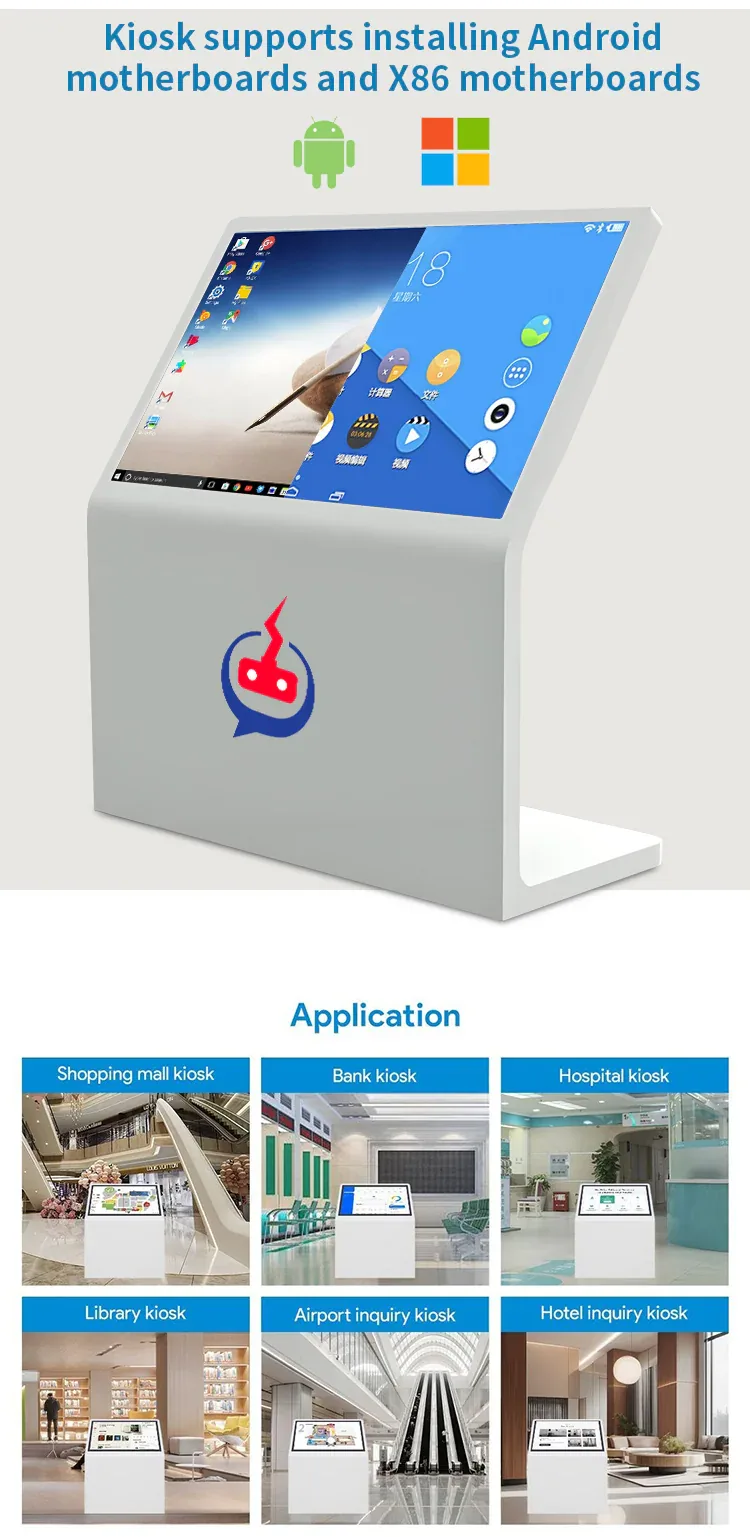
The kiosk is designed to run on both Android and Windows, giving you the freedom to choose the platform that fits your content, operational workflow, and long-term support needs.
The kiosk can be styled and positioned to suit customer-facing, visitor-facing, and staff-facing contexts without losing clarity or visual appeal.
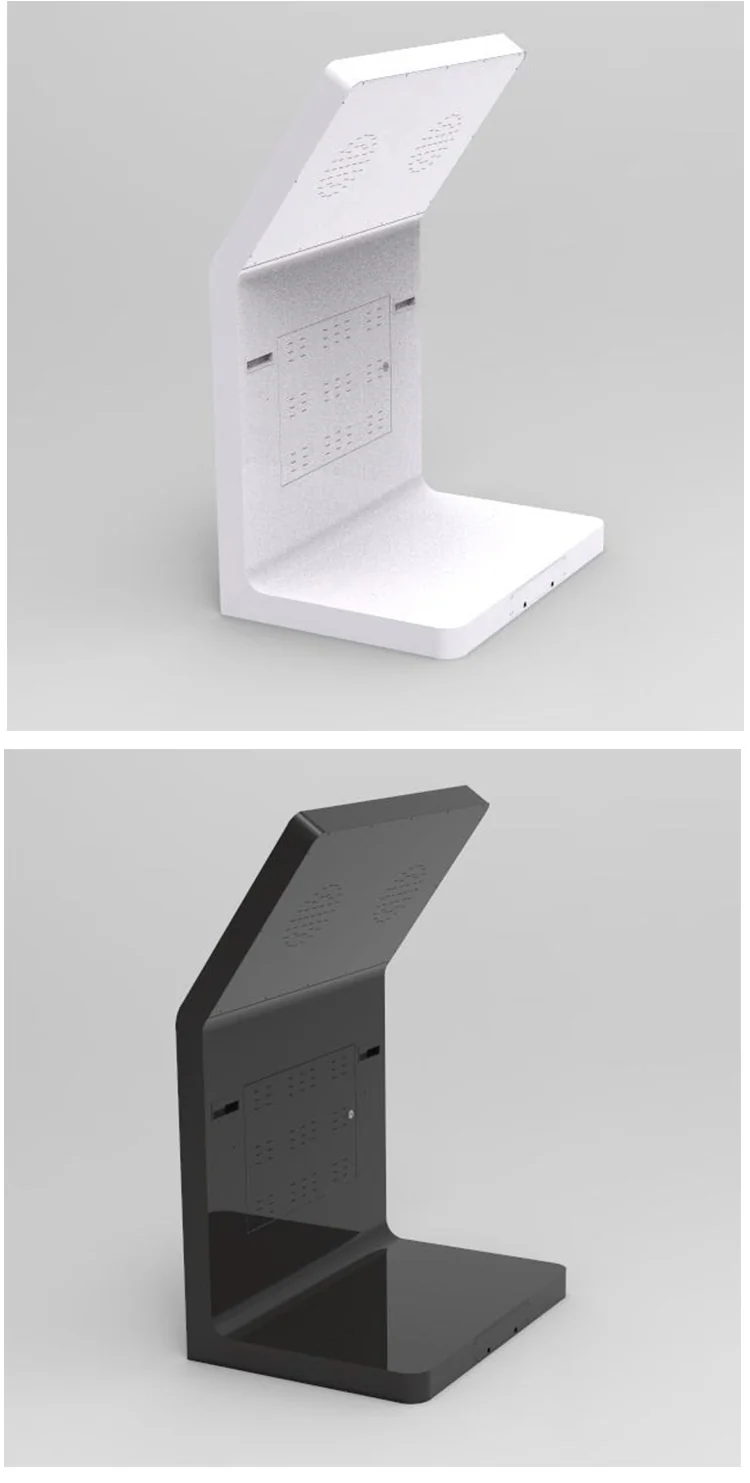
A virtual tour display is a screen-based presentation format that lets people explore 360° tours and related content in a physical location such as a lobby, showroom, airport, museum, or office.
No. The kiosk is designed to make immersive content accessible without VR headsets or personal devices, which lowers friction and broadens usability.
Yes. It is well suited for crew familiarization, onboarding, visitor orientation, facility explanation, and other training or information workflows.
Yes. Housing color, finishes, visible logo placement, and content presentation can be aligned with your visual identity and project goals.
Aviation, hotels, tourism operators, museums, real estate teams, corporate offices, retailers, healthcare providers, and public institutions all benefit from interactive display access.
The kiosk can run on Android and Windows, allowing flexible system integration depending on the application and software environment.
Whether you need a kiosk for aviation briefing rooms, hotel lobbies, exhibitions, real estate presentations, visitor information or branded customer experiences, 360air.space can combine immersive 360° content with a premium interactive display solution tailored to your environment. For aviation-specific projects, explore our aviation digital solutions and passenger experience solutions.
Talk to us about virtual tour displays, digital information kiosks, and branded interactive presentation solutions for your use case.