
Interactive Maintenance Information for Airlines and MROs
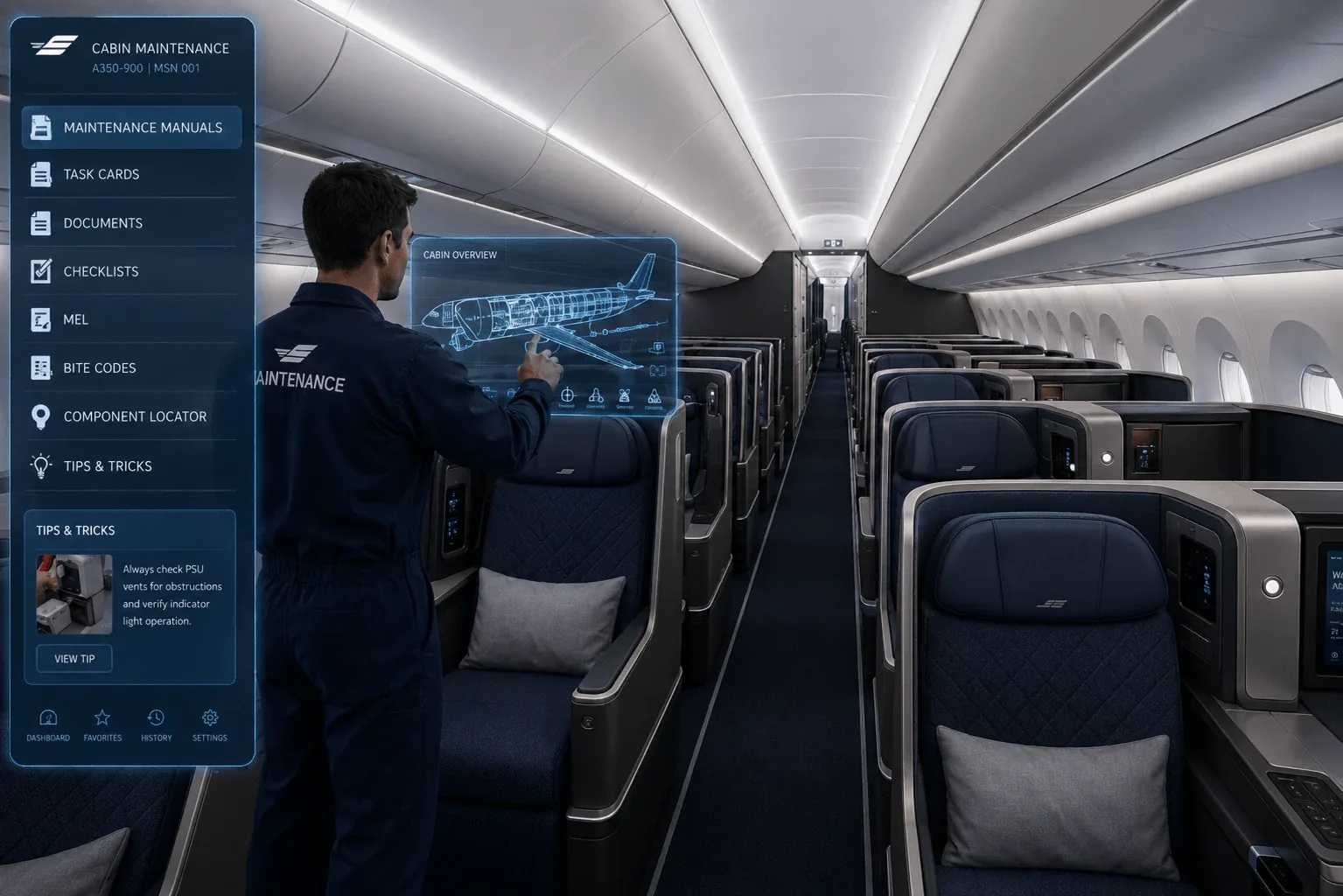
Aircraft cabin maintenance information tours give airlines, MRO teams, cabin engineers and technical departments a visual way to navigate aircraft interiors and locate cabin equipment, placards, seats, monuments, galleys, lavatories and other maintenance-relevant areas.
360air.space combines interactive aircraft virtual tours with technical hotspots, approved documentation links, task-card references, images, videos and offline delivery to create reusable cabin maintenance information environments.
Aircraft Cabin Maintenance Information for Technical and MRO Teams
A digital cabin information tour gives technical teams a structured visual reference of the aircraft configuration. Cabin zones, components, placards, seat areas, access panels and monuments can be connected with relevant images, documents and technical information, reducing the need to search across disconnected visual references.
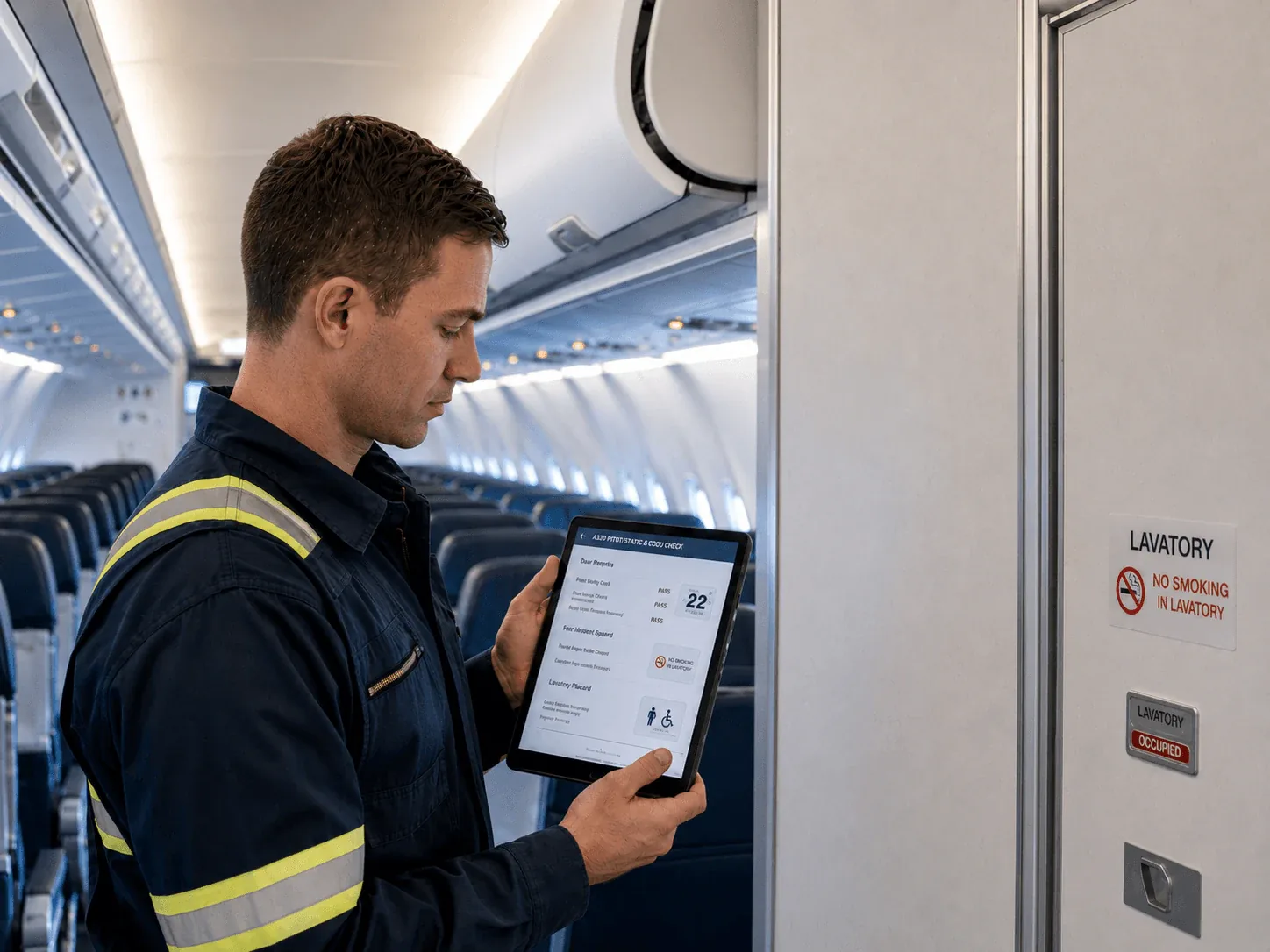
Aircraft cabin maintenance information tour for placard checks
Placards and cabin labels are small but important aircraft configuration details. A digital information tour can support placard inspections by showing location, inspection status, photographic references, required markings and task progress directly within the visual cabin environment.
Seat information and technical support
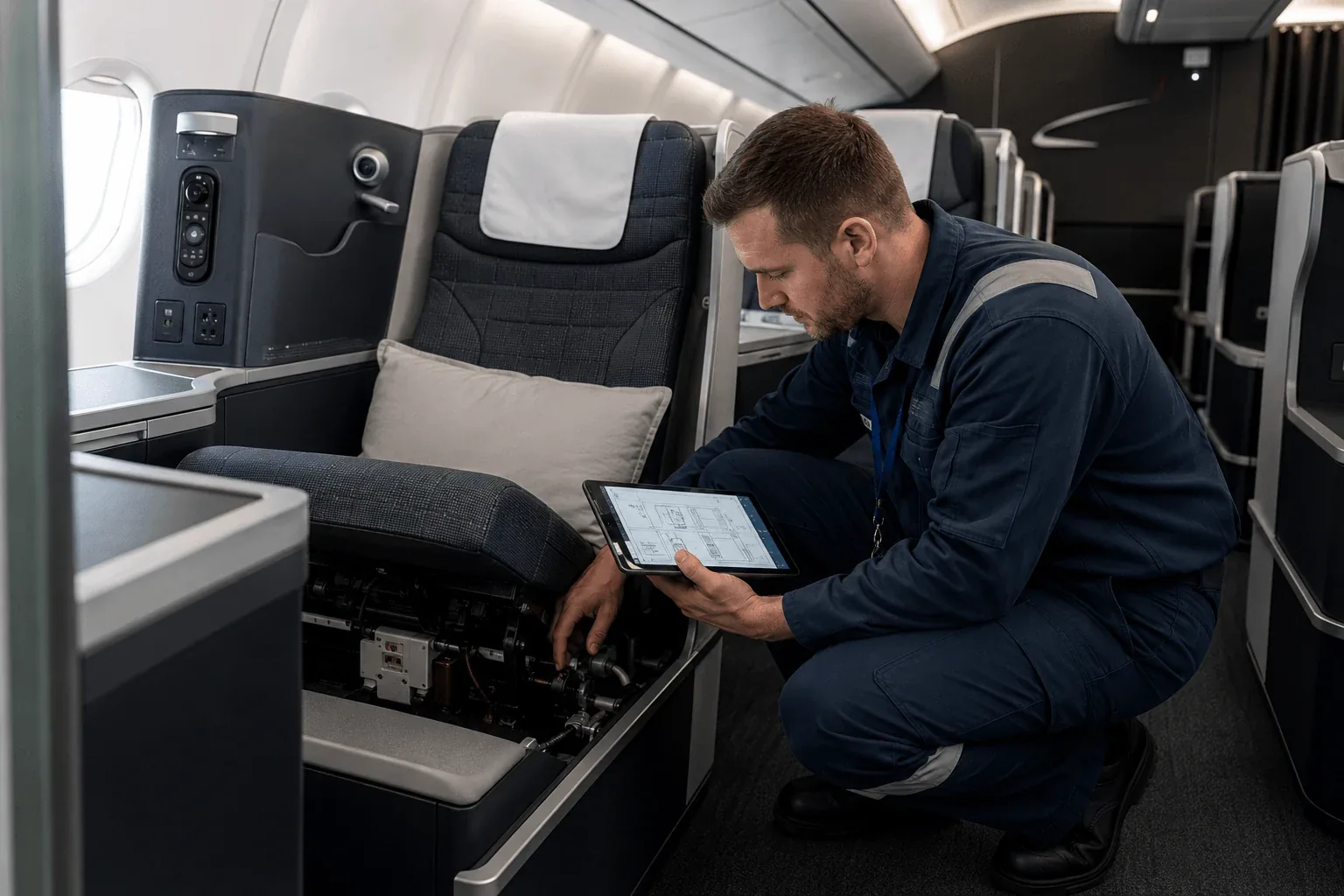
Aircraft seats can include mechanical functions, electrical interfaces, IFE components, controls, privacy panels, seat tracks, life-vest locations, stowage areas and trim items. Visual information modules can help technicians identify the relevant seat area, review component locations and access approved supporting information before or during maintenance preparation.
Walk-around check videos and inspection support
Aircraft cabin information tours can also include video-based reference material. Walk-around videos, inspection examples, access guidance or component demonstrations can be embedded directly into the maintenance information environment to support technical familiarisation and maintenance preparation.
Digital Support for Aircraft Cabin Equipment Maintenance
Interactive cabin information can support aircraft equipment maintenance by connecting seats, galleys, lavatories, monuments, placards and other cabin components with relevant technical references. Documents, images, videos and component information can be linked directly to the corresponding cabin location for maintenance preparation, technical familiarisation and troubleshooting support.
What can be included in the aircraft cabin maintenance information tour?
Each project can be configured around the aircraft type, cabin configuration, customer-approved documentation and technical use case. The goal is to make aircraft cabin information easier to locate, understand and reuse across engineering, maintenance and MRO teams.
When is a visual aircraft cabin maintenance environment useful?
In short: A visual cabin maintenance environment is useful when technical teams need to understand an aircraft configuration, locate cabin equipment or prepare for maintenance and inspection activities before or while accessing the aircraft.
Typical applications include fleet introduction, retrofit preparation, cabin familiarisation, placard and label checks, seat and monument identification, component-location briefings, inspection preparation and access to customer-controlled task information, photographs, videos or maintenance references. The visual environment helps technicians find and understand information in its aircraft context; approved maintenance data and operator or OEM procedures remain the controlling source for maintenance work.
How a cabin maintenance information tour is developed
A useful maintenance information tour begins with a defined aircraft configuration, technical audience and operational purpose. 360air.space structures customer-provided visual and technical content around the aircraft areas where technicians need to find it.
Optional layers can include inspection checklists, placard status, troubleshooting guidance, multilingual content, analytics and aircraft-specific familiarisation modules. Where broader structured aircraft information is required, the same visual foundation can also form part of an aircraft cabin digital twin.
The digital tour is a visual information and familiarization aid. Approved maintenance data, operator procedures, OEM instructions, task cards and applicable regulations remain the controlling source for maintenance work.
Discuss a digital aircraft cabin maintenance solution
Explore the 360air.space solutions that can be combined into an aircraft-specific maintenance, familiarization and technical information environment.